Exchange Office Digital Signage: Live Rate Boards on Any TV for Shops
Exchange office digital signage without LED hardware: live dollar, gold and coin rates on any TV, with your own buy/sell adjustment, themes and QR code.

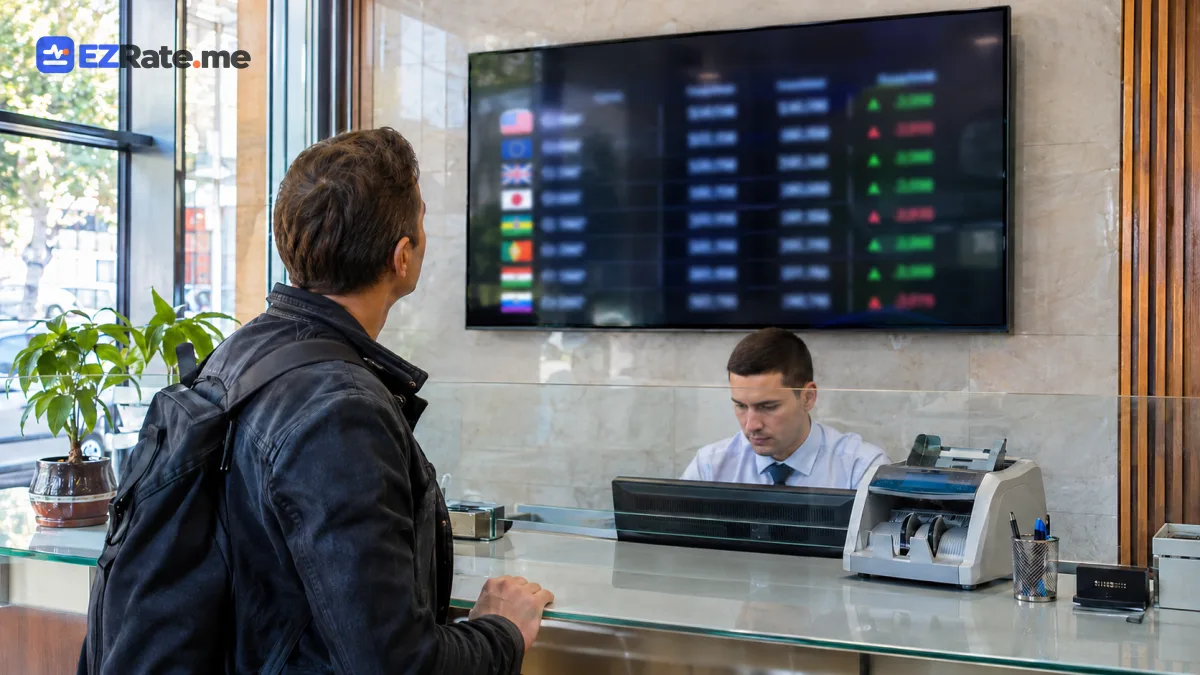
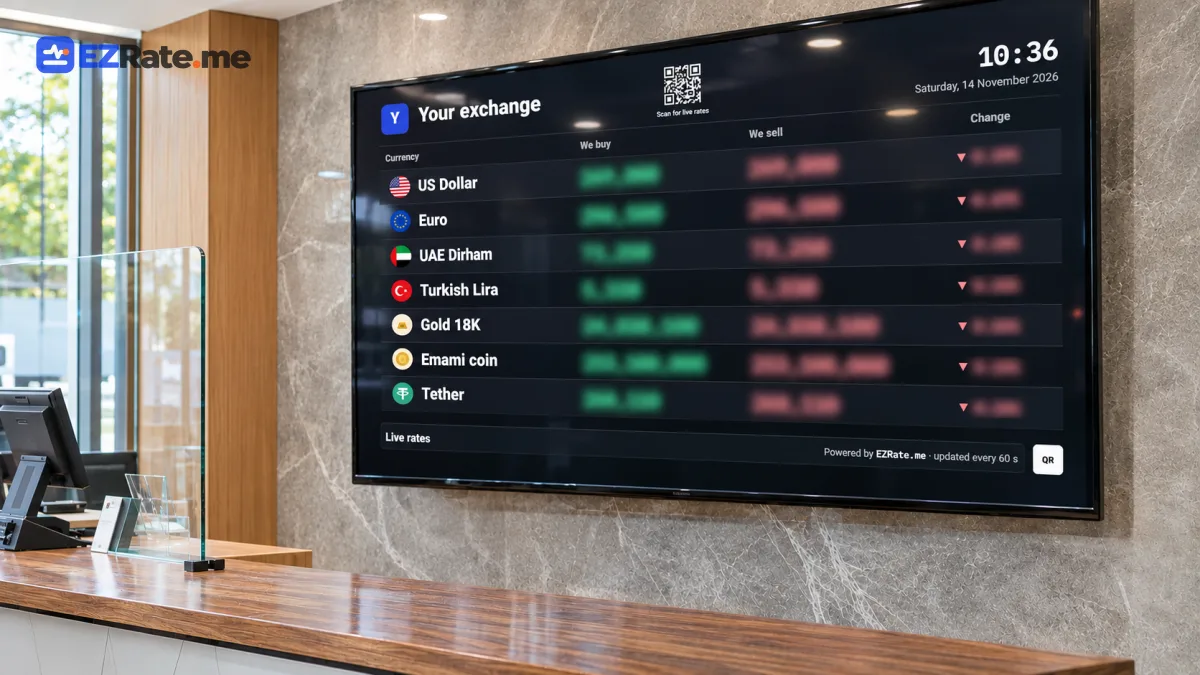
- A browser on any smart TV, Android TV box or mini PC can replace a hardware LED rate board.
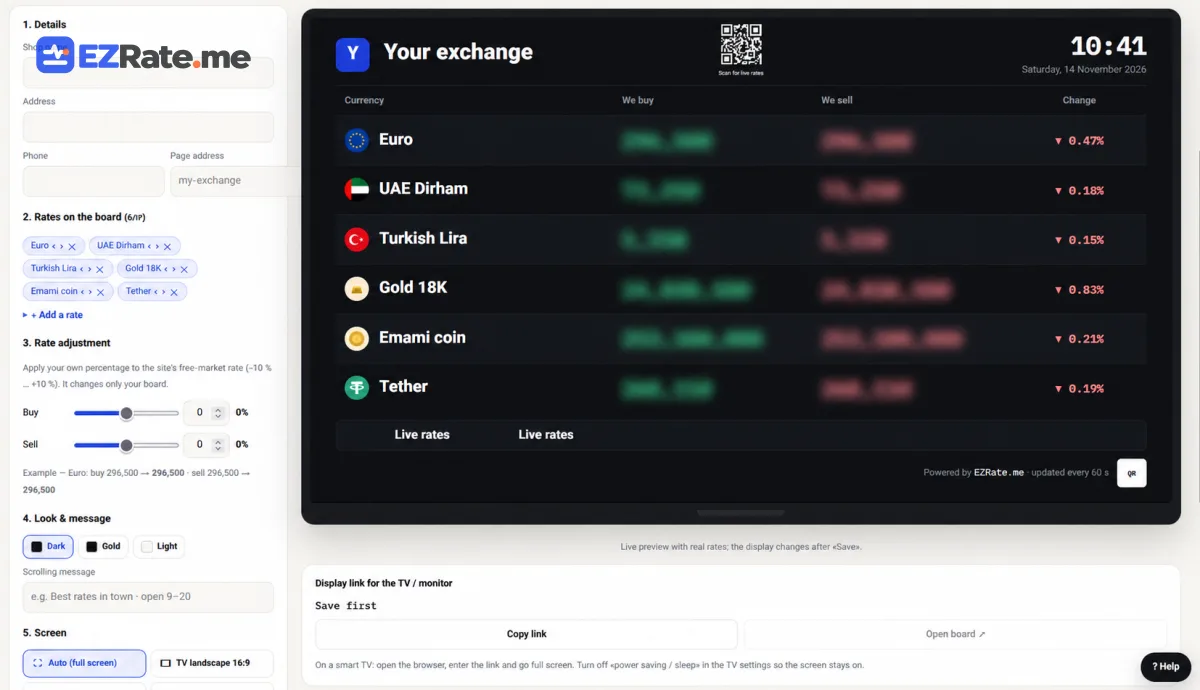
- EZRate’s dedicated price page lets you choose assets, theme, orientation, scrolling message and QR code, and apply a −10% to +10% buy/sell adjustment.
- Updates are automatic; you never type numbers by hand again.
Many exchange offices and gold shops still update LED boards by hand several times a day. It is slow, error-prone and the boards are expensive to buy and repair. Exchange office digital signage on an ordinary TV does the same job better: live rates, your branding, zero manual typing. This guide shows how to set it up with EZRate’s price board.
Hardware options
| Option | Cost | Notes |
|---|---|---|
| Smart TV with a browser | Lowest if you already own one | Some TV browsers are slow; test first |
| Android TV box or stick | Low | Reliable, kiosk browser apps available |
| Mini PC / Raspberry Pi | Low–medium | Most control; auto-start in kiosk mode |
| Commercial signage player | Medium | Remote management for several branches |
Board settings
| Setting | What it does |
|---|---|
| Assets | Choose currencies, gold, coins and their order |
| Buy/sell adjustment | Publish your own rates: −10% to +10% relative to the market |
| Theme and orientation | Light, dark or brand colours; landscape or portrait |
| Scrolling message | Opening hours, announcements, contact |
| Rotation | Cycle through pages when you have more assets than fit |
| QR code | Customers scan to open your live rates on their phone |
Kiosk setup in 10 minutes
- Copy your board link from the panel.
- On the TV device, install a kiosk browser (Android) or use Chromium with
--kiosk(PC). - Set the link as the start page and enable auto-start on boot.
- Disable screen sleep and system updates during business hours.
- Test after a power cut: the board should come back by itself.
# Raspberry Pi / Linux mini PC: start the board full-screen on boot
chromium-browser --kiosk --noerrdialogs --disable-infobars \
  --autoplay-policy=no-user-gesture-required "https://ezrate.me/b/YOUR-BOARD-ID"
Replace the address with the exact board link shown in your panel.
Your rates, honestly
The adjustment lets you show your office’s buy and sell prices instead of the raw market rate. Keep it consistent and transparent: customers trust boards that match what the counter pays. A common setup is a small negative adjustment on buy and a small positive one on sell.
US Dollar267,040Toman−0.79%Beyond the shop window
- The same rates can go to your Telegram channel automatically: Telegram FX broadcast bot.
- Put a live widget on your website: widgets.
- Developers can build custom displays on the API: quickstart.
Several branches
Exchange offices with more than one branch can create one board per branch with different assets, adjustments or messages, and manage them all from the same panel. Because each board is just a link, replacing a broken TV box means plugging in a new one and opening the same address. For remote control, a commercial signage player or a simple remote-desktop app on the box lets you fix screens without visiting the branch.
Keep a printed QR code at the counter too: customers who scan it get the same live rates on their phones, which reduces questions at busy times.
Related live rates: US dollar rate, 18K gold price.
Comments (0)
Comments are shown after review. Sign-in is needed to send.