
React Currency Converter for Live Toman Rates, with a Secure Backend Proxy
Build a React currency converter for live Iranian rates: a server proxy that hides your API key, a typed hook, buy/sell side, Persian digits and a reusable widget.
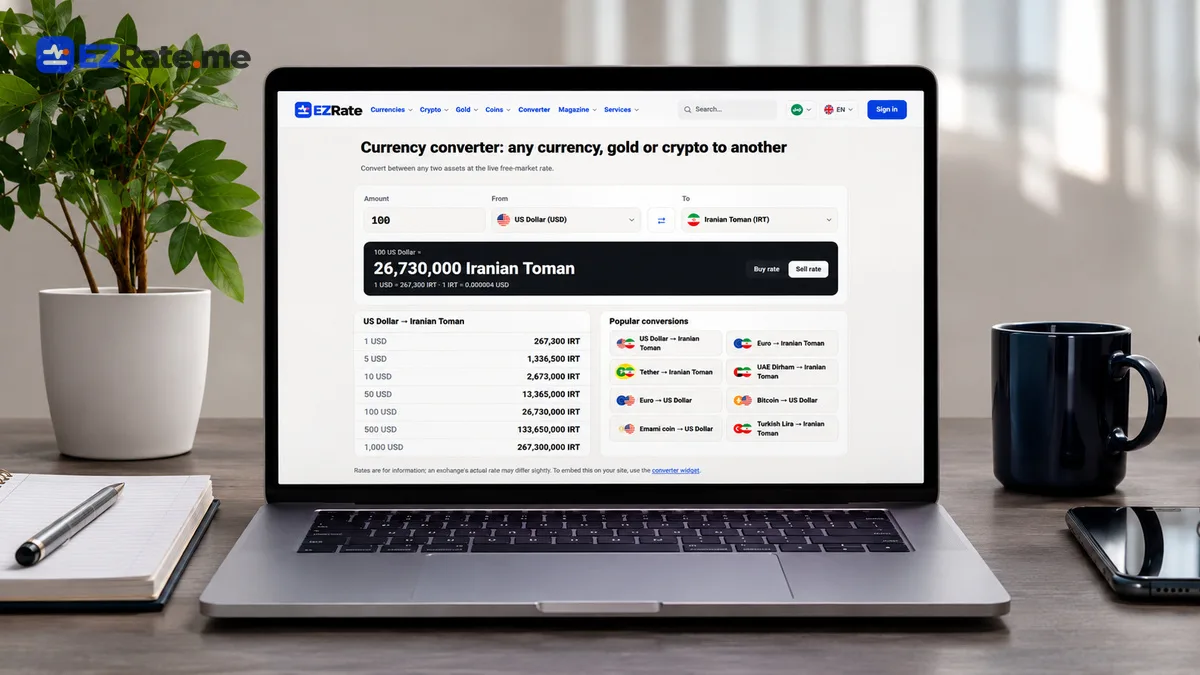
- The converter calls your own backend route, which calls EZRate with the key and caches the result — the key never reaches the browser.
- A `useRates` hook loads rates once and the component converts locally, so typing does not trigger requests.
- If you only need a ready-made widget, EZRate’s embeddable widgets need no key and no code.
A converter is the most useful little component on any Iranian finance, travel or shopping site. This tutorial builds a React currency converter widget that shows live Tehran free-market rates, supports buy/sell and Persian digits, and keeps your API key safely on the server.
/api/rates) that calls https://api.ezrate.me/v1/rates?symbols=usd,eur,aed,try,usdt with your key and caches the JSON for 60 seconds. In React, fetch that route once, keep rates in state and convert on every keystroke locally. Show the update time and unit. Do not call EZRate directly from the browser with your key.Part of the Iranian Rial exchange rate API guide.
1. The backend proxy
Any server works. Here is a Next.js route handler:
// app/api/rates/route.ts
export const revalidate = 60; // cache for 60 s

export async function GET() {
  const r = await fetch(
    "https://api.ezrate.me/v1/rates?symbols=usd,eur,aed,try,usdt&lang=en",
    { headers: { "X-API-Key": process.env.EZRATE_KEY! }, next: { revalidate: 60 } },
  );
  if (!r.ok) return new Response("upstream error", { status: 502 });
  const { data, meta } = await r.json();
  const slim = data.map((x: any) => ({ s: x.symbol, n: x.name, b: x.buy, v: x.sell, t: x.updated_at }));
  return Response.json({ rates: slim, as_of: meta.as_of, unit: meta.quote });
}
Returning a slim payload keeps the client bundle small. The security reasoning is in securing financial API keys.
2. A typed hook
// useRates.ts
import { useEffect, useState } from "react";

export type Rate = { s: string; n: string; b: number; v: number; t: string };
type State = { rates: Rate[]; asOf?: string; unit?: string; error?: string };

export function useRates(): State {
  const [st, setSt] = useState<State>({ rates: [] });
  useEffect(() => {
    let alive = true;
    const load = () => fetch("/api/rates").then(r => r.json())
      .then(d => alive && setSt({ rates: d.rates, asOf: d.as_of, unit: d.unit }))
      .catch(() => alive && setSt(s => ({ ...s, error: "Rates unavailable" })));
    load();
    const id = setInterval(load, 60_000);
    return () => { alive = false; clearInterval(id); };
  }, []);
  return st;
}
3. The converter component
// Converter.tsx
import { useMemo, useState } from "react";
import { useRates } from "./useRates";

const fmt = (n: number, fa: boolean) =>
  new Intl.NumberFormat(fa ? "fa-IR" : "en-US", { maximumFractionDigits: 2 }).format(n);

export default function Converter({ fa = false }: { fa?: boolean }) {
  const { rates, asOf, unit, error } = useRates();
  const [sym, setSym] = useState("usd");
  const [amount, setAmount] = useState("100");
  const [side, setSide] = useState<"buy" | "sell">("sell");
  const r = rates.find(x => x.s === sym);
  const toman = useMemo(() => (r ? Number(amount || 0) * (side === "sell" ? r.v : r.b) : 0), [r, amount, side]);

  if (error) return <p role="alert">{error}</p>;
  return (
    <div className="ez-conv" dir={fa ? "rtl" : "ltr"}>
      <input inputMode="decimal" value={amount} onChange={e => setAmount(e.target.value.replace(/[^\d.]/g, ""))} />
      <select value={sym} onChange={e => setSym(e.target.value)}>
        {rates.map(x => <option key={x.s} value={x.s}>{x.n}</option>)}
      </select>
      <select value={side} onChange={e => setSide(e.target.value as any)}>
        <option value="sell">I buy (sell rate)</option>
        <option value="buy">I sell (buy rate)</option>
      </select>
      <output dir="ltr">{fmt(toman, fa)} {unit === "IRR" ? "Rial" : "Toman"}</output>
      {asOf && <small>Updated {new Date(asOf).toLocaleTimeString()}</small>}
    </div>
  );
}
4. Details that matter
- Side: customers buying currency pay the sell rate; label it from the user’s perspective.
- Reverse mode: add a toggle to convert Toman → currency (
amount / rate). - Persian digits in input: normalise before parsing (see IRR vs Toman).
- Accessibility: use
<label>s and an<output>element so screen readers announce results. - Stale data: if
asOfis older than a few minutes, show a warning.
No-code alternative
If you just need a converter or ticker on a page, EZRate’s embeddable widgets load asynchronously, need no API key and support data-lang and data-currency attributes. Use the React build when you need custom UX or your own styling.
Why convert on the client
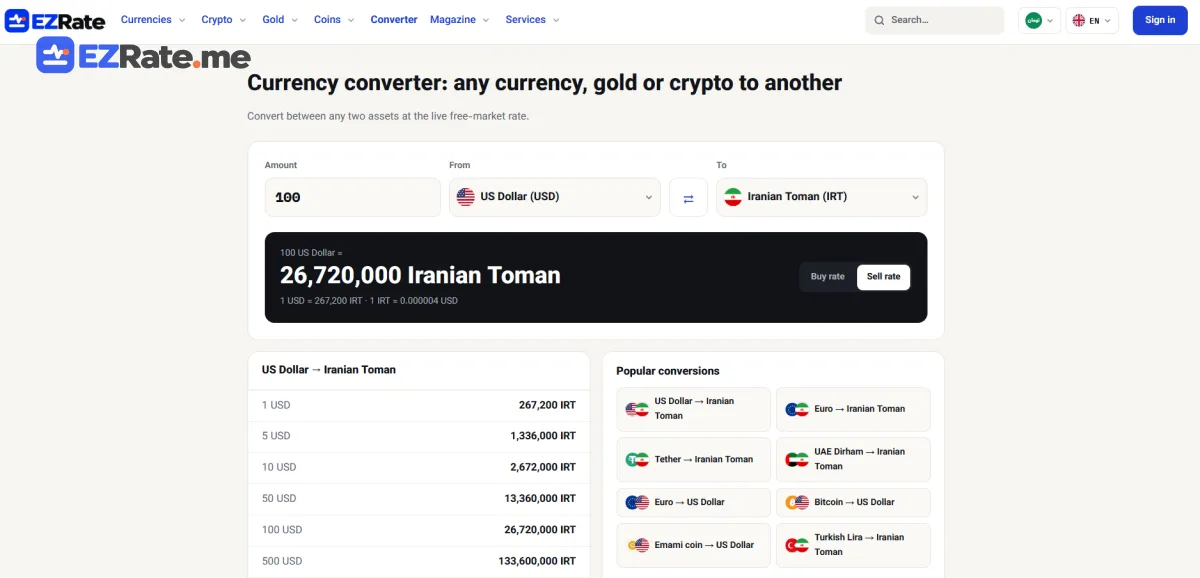
Once the rates are loaded, conversion is just multiplication. Doing it in the browser means instant feedback while the user types and no extra requests to your server or to EZRate. The backend proxy refreshes the rates once a minute for everyone, so even thousands of users generate a single upstream request per minute. This is the same pattern large finance sites use: fetch a compact snapshot, compute locally, refresh in the background.
Styling and embedding
Keep the component’s CSS scoped (CSS modules, Tailwind or a single class prefix) so it can be dropped into any page. For a Persian page, pass fa to switch digits and direction, but keep the numeric output in an LTR element so separators do not jump. If marketing wants to place the converter on other sites, publish it as a small script bundle that renders into a div — or simply use EZRate’s ready-made widgets, which already handle languages, currencies and attribution.
Testing
- Unit-test the conversion function for buy, sell and reverse mode with fixed rates.
- Mock
/api/rateswith MSW to test loading, error and stale states. - Check the component with a screen reader: the result should be announced when it changes.
Deploying the proxy
The route handler runs anywhere your React app is served from: Vercel, Netlify functions, a Node server or a PHP backend. Set EZRATE_KEY as a server-side environment variable in the hosting dashboard, never as a public build variable. If your site is static, a tiny serverless function is enough, and its built-in caching keeps upstream calls to about one per minute.
Comments (0)
Comments are shown after review. Sign-in is needed to send.